How to bind a User
The RADIUS server checks that information is correct using authentication schemes such as PAP, CHAP, or EAP. NoPass™ Proxy server supports the following RADIUS authentication protocols: PAP, CHAP, MS-CHAP, PEAP, EAP-MSCHAPv2.
There are two ways to bind a user to the NoPass™ server depending on the type of RADIUS authentication protocol.
Procedure 1
To bind a new user if the PAP/CHAP/MS-CHAP/MS-CHAPv2 settings of your RADIUS server are enabled, do the following:
Register an administrator using the link in the following format:
https://SERVER_URL/#/RADIUS-user-registration
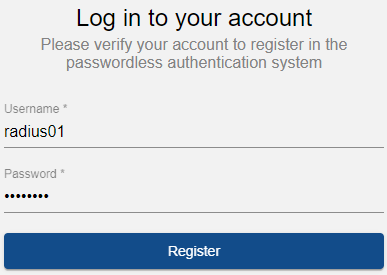
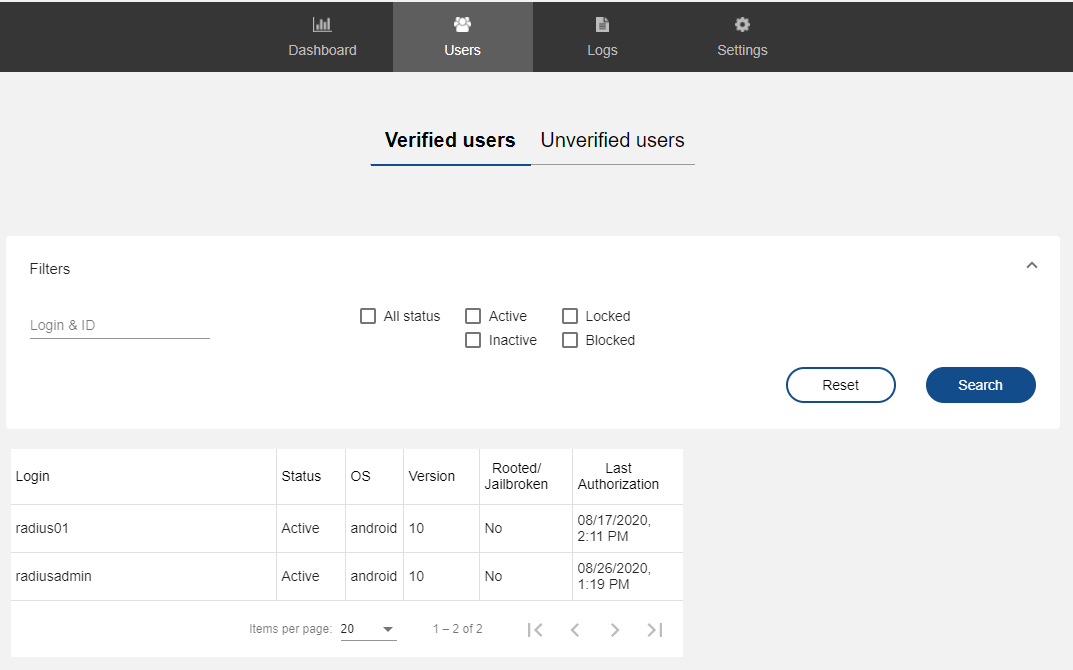
The user registers by the link and the administrator can see it on the verified user page in the Admin console.

Procedure 2
To bind a new user with any RADIUS authentication protocol, do the following:
- In the Admin console, select Block Unverified users.
NoPass™ can proxy all connections from RADIUS services to the RADIUS server. When the user connects for the first time, the Block Unverified users check box appears in the Unverified users tab of the Admin console.

- Send the unique registration link to the user. You can send it by email but you have to enter the email address of the user.

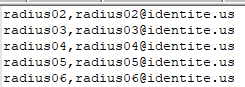
- Optional. You can import users from the CST.
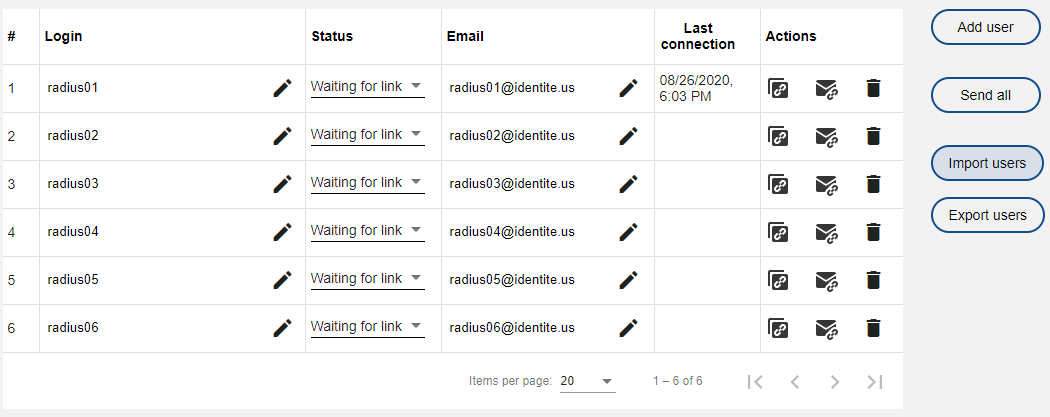
The user needs to follow the link and bind the account to the NoPass™ Proxy server to change their status to a verified user.