How to register RADIUS portal
RADIUS portal is an intermediate member that provides a connection between the NoPass™ server and your corporate radius server to use NoPass™ as a 2FA when accessing corporate radius clients like WiFi, VPN, RDP, etc.
Procedure
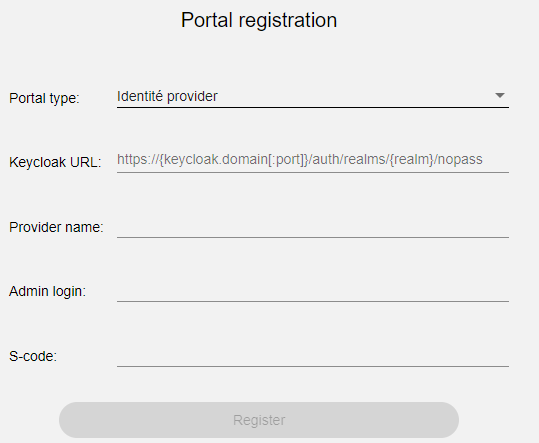
- To register the RADIUS portal, on the Portal registration page, set the following parameters and click Register:
Portal type RADIUS server Portal name The portal name is displayed in this field
Admin login By default, the admin login is <radiusadmin>. To override this value, you can use the environment variable for the NoPass™ server. For more information about environment variables, see NoPass™ server environment variables. S-code Admin password. The same as in the Admin login field. By default, it is <radiuspassword>.
- On Portal settings, configure the settings and add the license file.
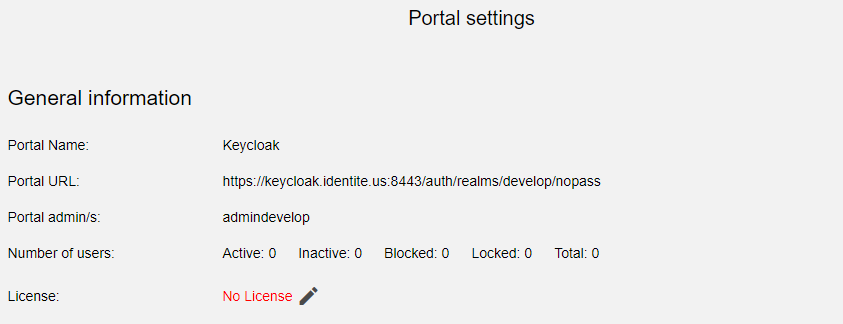
A successful result is as follows:
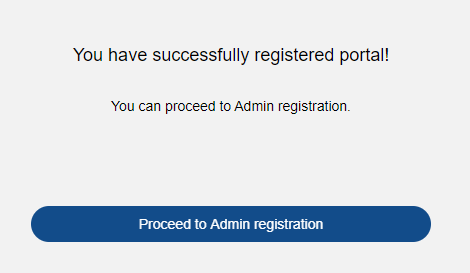
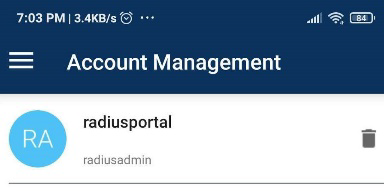
- Click Proceed to Admin registration and scan the QR code to link the account to your mobile phone.
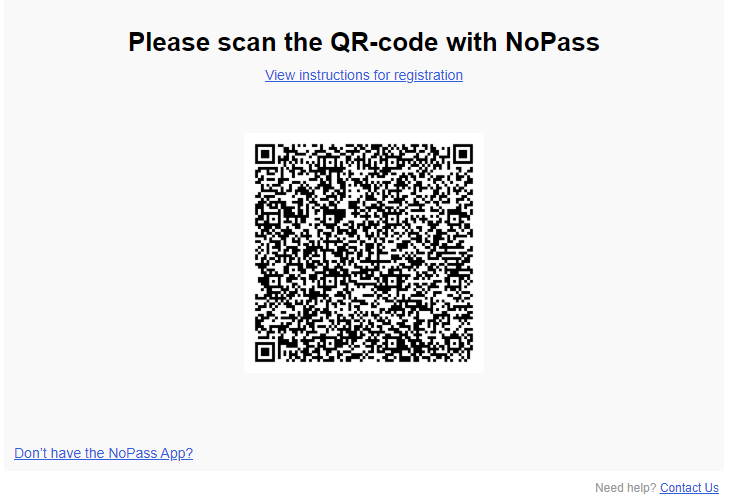
The result on your mobile phone is as follows:
next topic: How to configure RADIUS portal
previous topic: Overview: NoPass™ Employee MFA "RADIUS"